
Monitor across clients
Backup Radar tracks whether backups are enabled and monitored across mapped clients and assets.
BACKUP MONITORING + COMPLIANCE
Backup Radar tells you whether backups are enabled and monitored. ControlMap connects that evidence with the rest of each client’s compliance work. Together, they let your team stop chasing proof and focus on what needs attention next.
THE FULL COMPLIANCE PICTURE
Backup monitoring is one part of a much bigger client picture. ControlMap puts Backup Radar evidence directly alongside frameworks, risks, policies, controls, and progress, so your team can see what’s covered and what still needs attention.
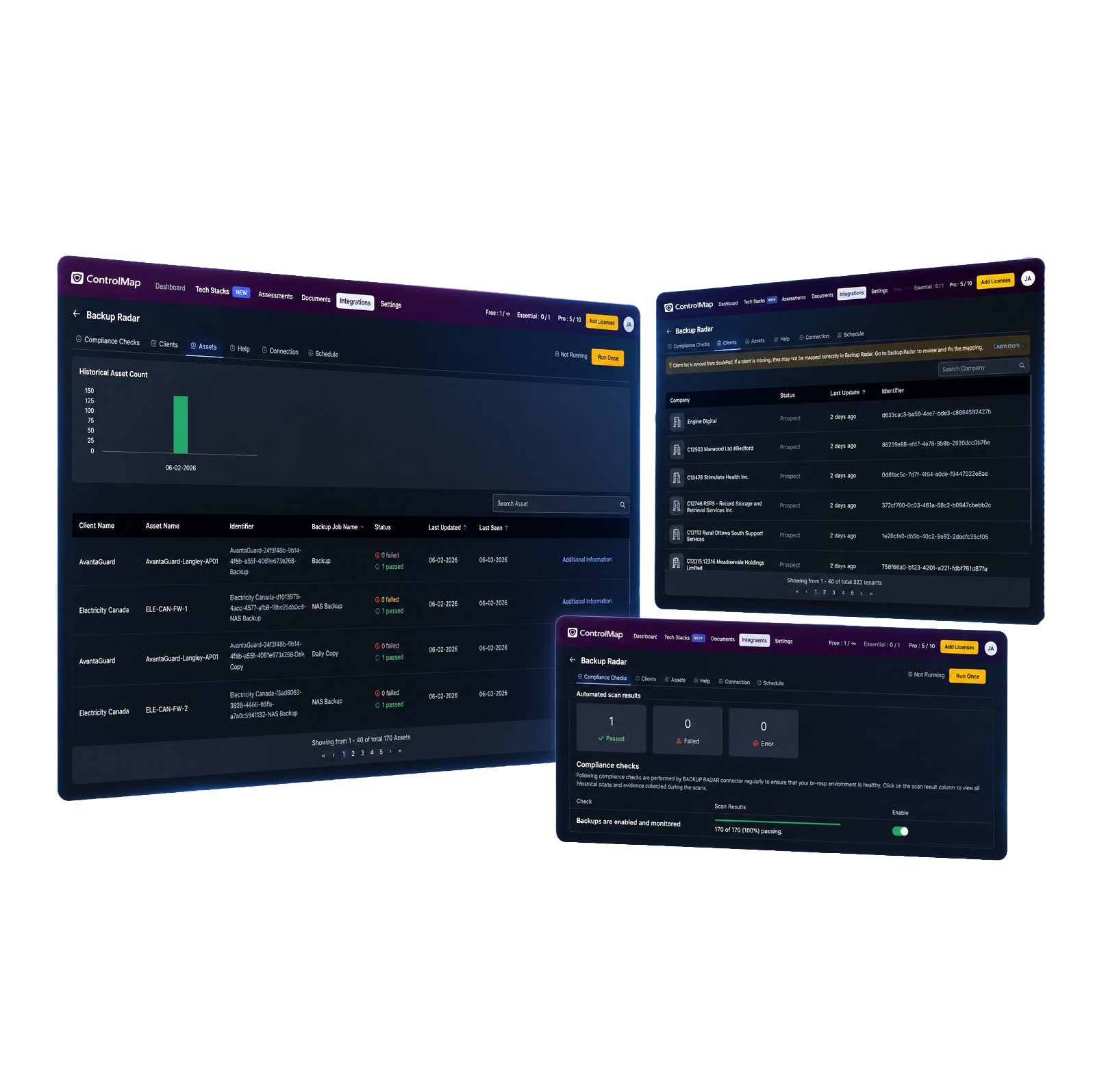
Backup Radar tracks whether backups are enabled and monitored across mapped clients and assets.
Downloadable PDF evidence reports are created after successful syncs, with weekly syncing by default.
ControlMap keeps the evidence with the related compliance requirement, ready for client reviews, audits, and reporting.
FOR CONTROLMAP USERS
Backup evidence often sits in vendor portals, screenshots, and exports—or depends on someone from your team manually pulling it together. Add Backup Radar to monitor backup activity across clients and bring the supporting data into ControlMap, where evidence reports are generated automatically.
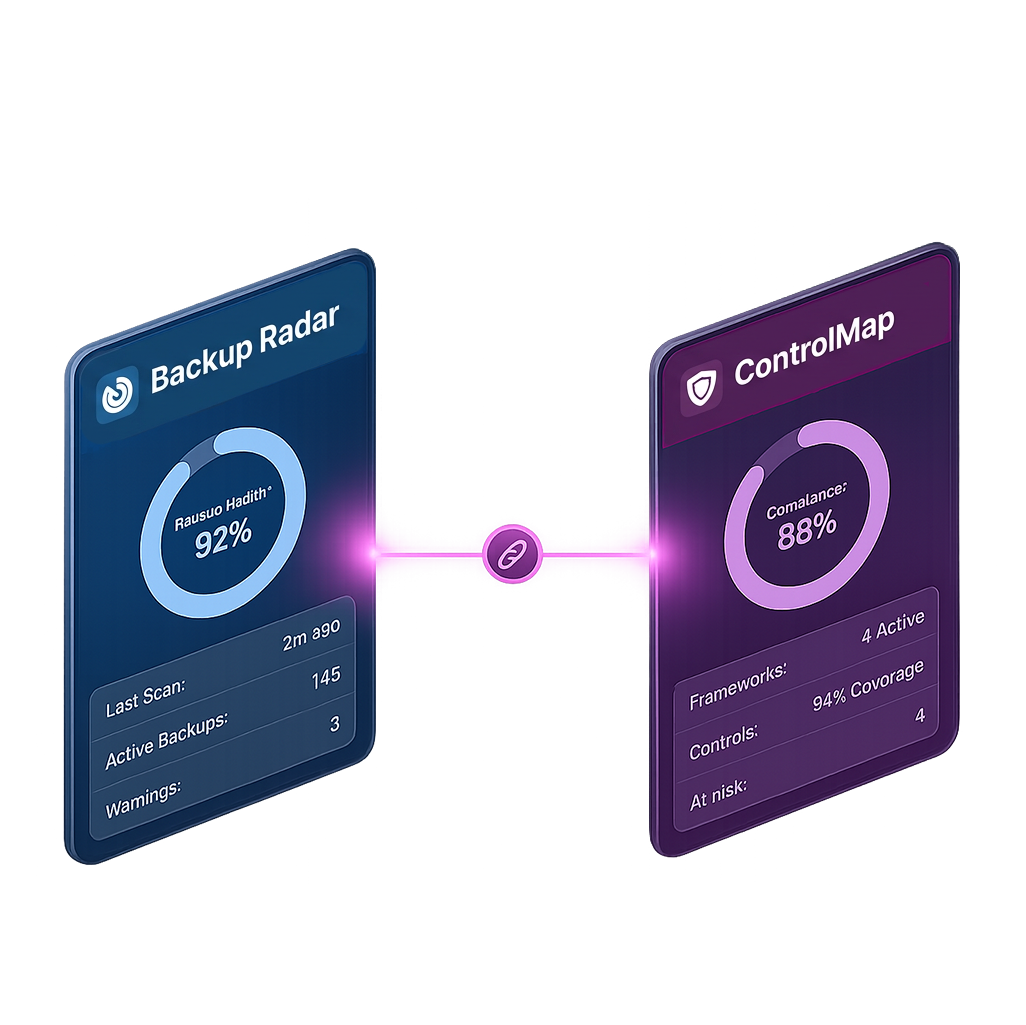
Weekly evidence reports from Backup Radar reduce the need for screenshots, exports, manual uploads, and repeat requests to technical teams.
Keep backup evidence right with the requirements, risks, policies, and controls it supports.
Show what’s covered, what’s missing, and what your team plans to work on next.
FOR BACKUP RADAR USERS
Client questions often start with an audit, insurance renewal, security questionnaire, or framework request. ControlMap helps your team understand the ask, organize the evidence, and know what to work on next.
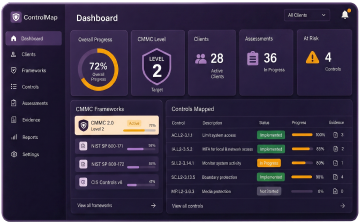
Assess where each client stands, identify what is missing, and turn a vague compliance request into clear priorities.
Keep frameworks, evidence, risks, policies, owners, and progress together instead of rebuilding the process across files and folders.
Give clients a clear view of what is done, what still needs attention, and what your team will work on next.
READY TO TRY IT?
See how Backup Radar and ControlMap connect monitoring evidence with the rest of each client’s compliance work.