
As clients continue to invest in SaaS applications and AI tools, expectations are shifting toward greater accountability, stronger governance, and clearer demonstration of value. At the same time, visibility into how these tools are actually being used often remains limited, fragmented, or entirely dependent on manual reporting.
This creates a gap between what MSPs are responsible for managing and what they can confidently advise clients on.
SaaS Management is designed to close that gap.
Now available in Early Access mode in Lifecycle Manager X, SaaS Management introduces a new layer of visibility that helps MSPs understand how SaaS and AI applications are being used across client environments, enabling more informed, strategic customer conversations.
Turn SaaS Usage Into Actionable Insight
For many MSPs, software visibility today is incomplete by default.
While RMM tools can provide insight into installed apps and provisioning data, they don’t capture how SaaS tools are actually being adopted, how frequently they’re accessed, or which applications are being used outside of approved policies.
As a result, lifecycle conversations often rely on a combination of partial data, customer input, and manual interpretation-limiting an MSP’s ability to confidently guide decisions around renewals, cost optimization, and governance.
SaaS Management introduces a more complete view by continuously monitoring SaaS and AI application usage across client environments, transforming activity data into actionable insight. Now, MSPs have the context they need to move beyond reporting and into a true advisory role.
What You Can Do With SaaS Management
1. Identify waste and optimize license spend.
Software spending continues to grow - but utilization often does not keep pace.
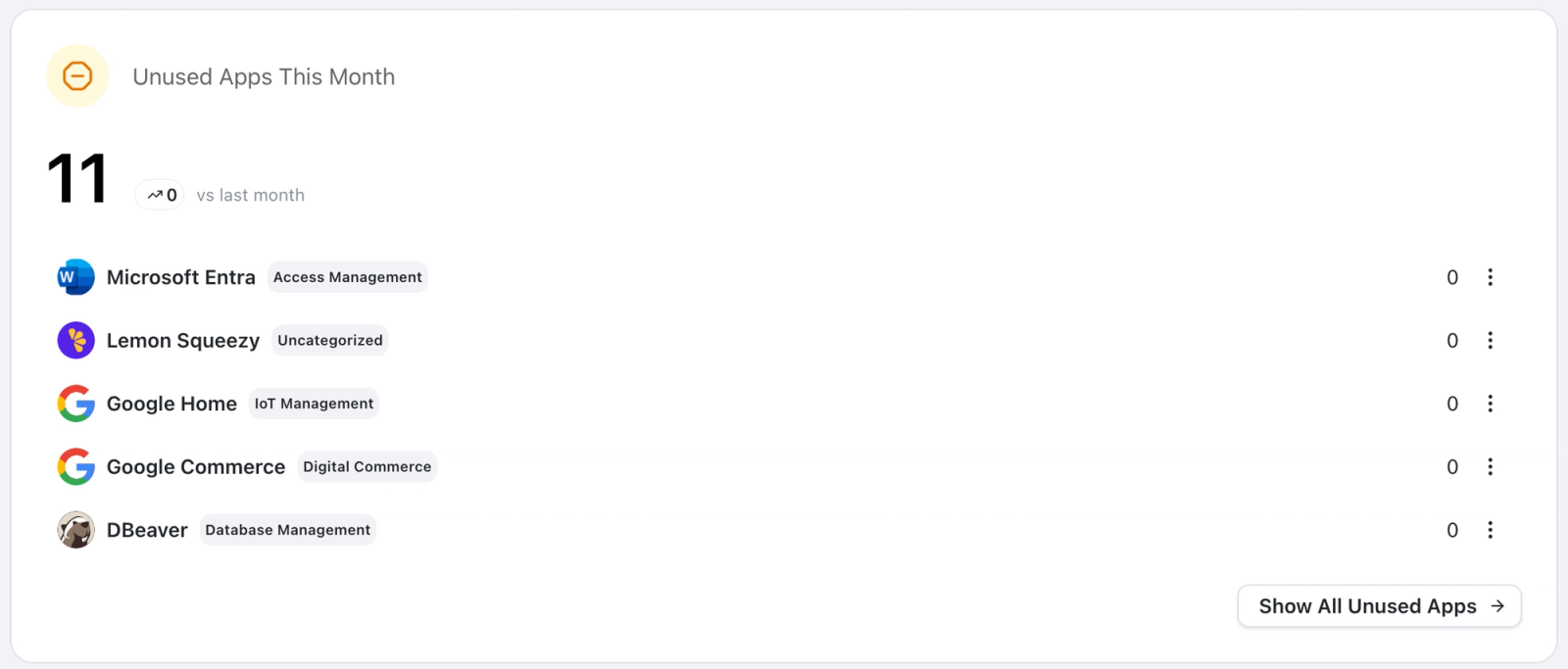
SaaS Management provides a structured view of application usage, making it easier to identify:
- Underused or unused applications
- Duplicate tools across teams
- Opportunities to reduce unnecessary spend
Now, MSPs can have proactive, data-driven conversations with clients, positioning recommendations around measurable outcomes rather than assumptions.
2. Uncover and control shadow IT.
Shadow IT is one of the biggest risks and opportunities for MSPs.
SaaS Management helps you:
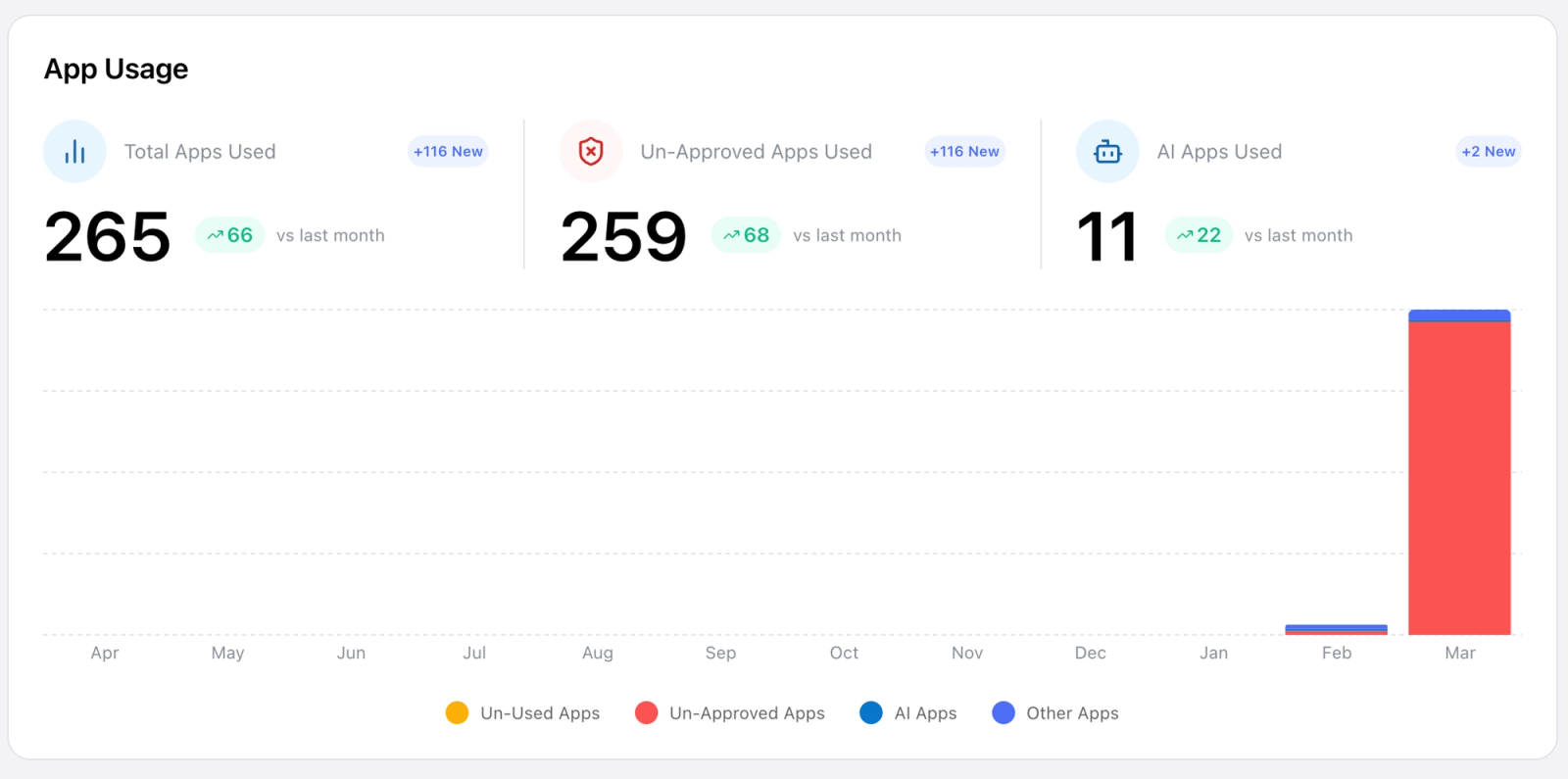
- Detect unapproved applications
- See where they’re being used at the team or user level
- Guide governance and policy conversations
Instead of reacting late, you can proactively advise clients on risk and compliance.
3. Understand AI adoption across client environments.
AI usage is growing fast, but visibility is still low. Your clients don’t know what AI apps are being used - and where employees may be opening the business up to risk.
With SaaS Management, you can:
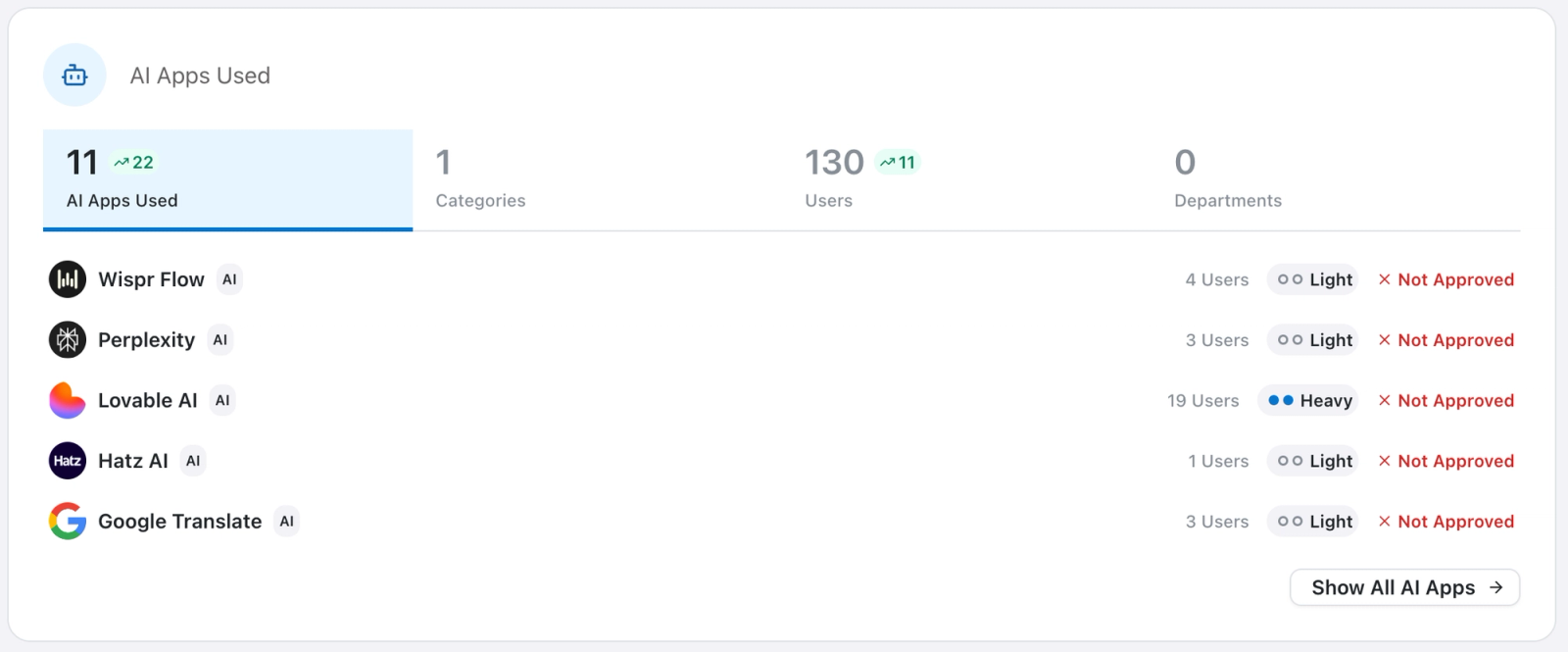
- Discover new AI tools being introduced
- Track adoption across teams
- Identify where governance or enablement is needed
This puts you in a position to guide AI conversations with clients, not just react.
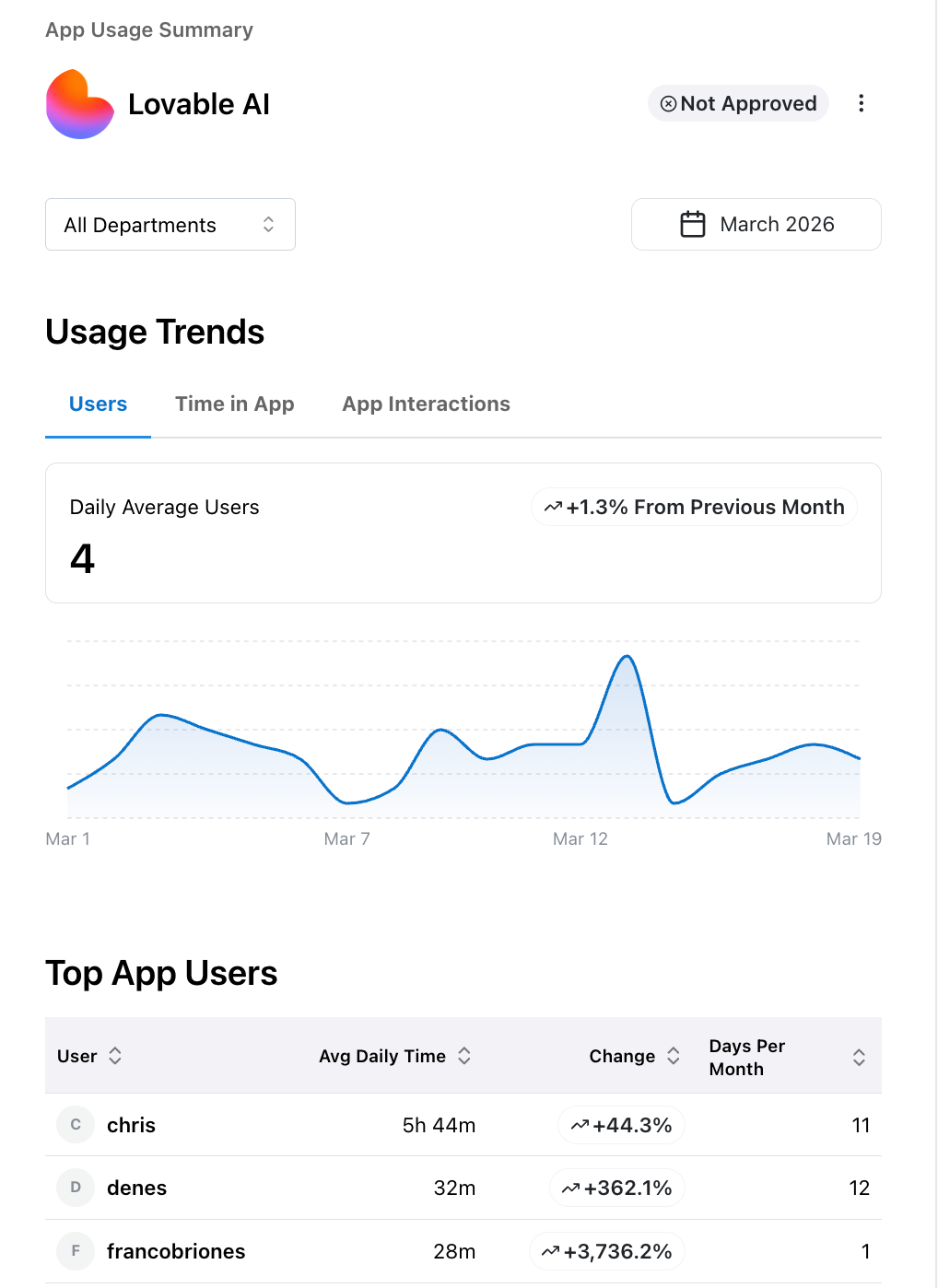
4. Drill deeper into application usage.
Go beyond surface-level reporting with detailed insights into individual apps.
SaaS management includes drill-down reporting on:
- App-level usage trends
- User and department activity
- Time spent and interaction data
This level of visibility helps you move from reporting to real advisory.
5. Bring SaaS management into your existing workflow.
Unlike standalone SaaS monitoring tools, SaaS Management is built directly into Lifecycle Manager X - so you don’t have to jump between systems to find the information you need or find a way to compile all your data.
That means:
- No additional tools to purchase or manage
- No disconnected workflows
- Immediate value inside the lifecycle conversations you are already running
It’s a simpler way to deliver more strategic guidance - without adding more tools to your tech stack.
Built for MSPs Delivering Strategic Value
SaaS Management is designed for MSPs who want to:
- Lead stronger QBRs
- Drive better renewal conversations
- Help clients optimize SaaS and AI investments and reduce costs
- Position themselves as strategic advisors, not just service providers
SaaS Management gives you the data you need to back every recommendation with confidence - all within the Lifecycle Manager X platform.
Getting Started With SaaS Management
Now, all Lifecycle Manager partners can access the SaaS Management in the ScalePad Platform - at no extra cost.
The implementation is straightforward:
- Talk to your Account Representative to get access
- Deploy the unobtrusive ScalePad agent to workstations
- Automate the collection of software activity metrics
- Generate high-impact advisory data within your dashboard
Book a demo to see it in action or learn more about SaaS Management.