

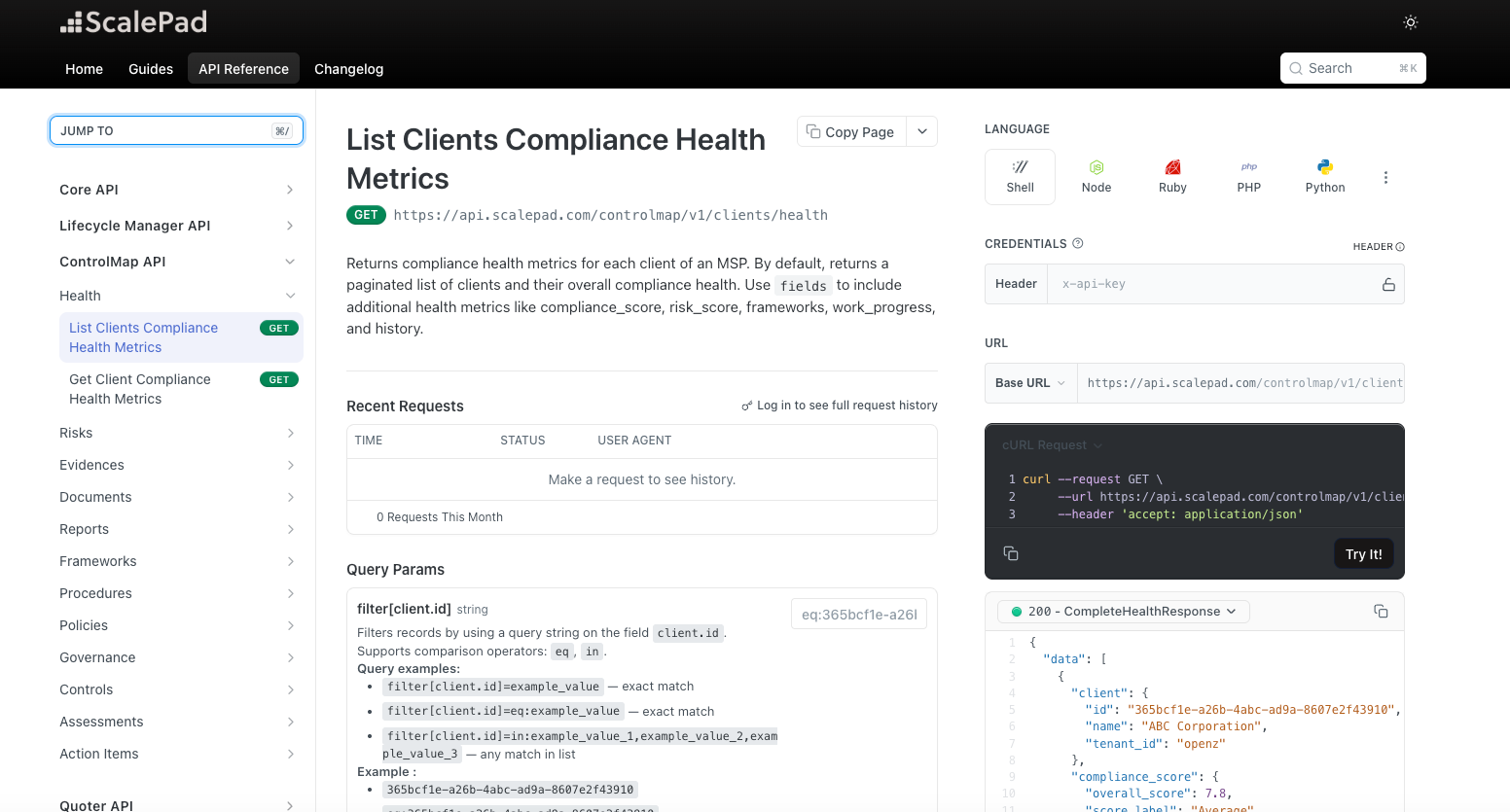
The ControlMap Public API gives MSPs and integration developers programmatic access to the data behind their clients’ compliance programs.
Existing endpoints provide access to compliance health, risks, evidence, action items, reports, and mappings. The latest expansion adds assessment responses, policies, procedures, governance documents, framework objectives, and controls.
Together, these endpoints provide a broader foundation for connecting ControlMap with the systems MSPs use to collect information, manage documentation, track progress, prepare for audits, and report to clients.
Connect ControlMap to the systems your team already uses
Compliance work rarely lives in one system. A client may have completed an assessment through an external assessment tool. Policies may be stored in SharePoint or Google Drive. Risk and evidence data may need to feed a compliance dashboard. Framework progress may need to appear in an audit preparation workflow, compliance dashboard, or external reporting tool.
Without programmatic access, teams may need to re-enter assessment responses, upload documents manually, copy compliance information into reports, maintain separate sources of truth, and repeat the same process across client environments.
The ControlMap Public API provides access to more of the information and actions needed to build connected workflows around that work.
Work with compliance health, risks, evidence, and more
The ControlMap Public API already provides access to key information used to understand and manage a client’s compliance posture, including compliance health, risks, evidence, action items, reports, and mappings between compliance objects.
These endpoints support workflows around posture visibility, evidence collection, remediation tracking, reporting, and the relationships between compliance objects.
The latest endpoints extend that foundation into the assessments, documents, objectives, and controls used to manage the compliance work itself.
Create and update assessment responses programmatically
New assessment write capabilities let your team create and update assessment responses through the API. For MSPs using external assessment tools or internal data-collection workflows, this provides the foundation for moving approved responses into ControlMap without entering every answer again.
For example, you could build a workflow that:
- Sends a client an assessment through an external assessment tool.
- Reviews the completed responses internally.
- Sends the approved answers into ControlMap.
- Continues managing the compliance program from the updated assessment.
This can reduce repeated data entry and support bulk assessment workflows when onboarding clients or moving existing compliance programs into ControlMap. The API provides the write capability needed to build this workflow.
Connect compliance documents to your existing systems
MSPs have asked for more ways to connect ControlMap with the documentation systems and workflows their teams already use.
The ControlMap Public API now provides read and write access across three core document types:
- Policies: List, retrieve, create, and manage organizational security policies mapped to framework requirements.
- Procedures: List, retrieve, create, and manage the documented processes used to carry out policy directives.
- Governance documents: List, retrieve, create, and manage charters, program plans, and oversight documentation.
These capabilities provide the foundation for document ingestion and synchronization workflows with systems such as SharePoint, Google Drive, and other document management platforms.
Build a process that imports existing client policies into ControlMap, creates governance documents from an external system, or keeps compliance documentation aligned across the tools used to deliver your services.
For MSPs managing documentation across many clients, this can reduce repetitive uploading and help keep ControlMap current as documents change elsewhere. These endpoints provide the data access and write capabilities needed to build connected workflows. They do not add ready-made integrations with external document platforms.
Track progress at the framework objective level
Framework objectives represent the individual requirements a client needs to address.
New objectives endpoints provide access to objectives for each client, including:
- Compliance status
- Assessment progress
- Related controls
- Framework associations
- Supported filters and search criteria
This provides the detail needed to build requirement-level dashboards, track progress across a framework, and feed current objective data into external reporting or audit preparation tools.
For example, a technical team could use objective data to compare an auditor’s request list with the work already tracked in ControlMap, identify requirements that still need attention, or show framework progress in an external dashboard, client report, or service-delivery system.
Objective-level access gives MSPs more flexibility than relying only on an overall compliance score.
Access the controls behind compliance status
Controls are the operational measures used to meet framework requirements. New controls endpoints let your team retrieve control information for each client, including linked objectives, related evidence, and compliance status.
This gives external systems more context than a score or status alone. Instead of only showing whether a requirement is being met, your team can see how it is being addressed and which evidence supports the work. Controls data can help connect safeguards to framework objectives, show which evidence supports a control, add compliance context to external dashboards and reports, support more detailed audit preparation workflows, and show how requirements, evidence, and operational work connect.
For MSPs building their own reporting or compliance services, controls provide the link between what a framework requires and the work being completed for the client.
Build connected workflows across the compliance lifecycle
Together, the available ControlMap API endpoints can support workflows such as moving approved assessment responses into ControlMap, maintaining compliance documents from existing repositories, feeding compliance data into dashboards and reports, and managing assessment and documentation work across multiple clients.
The latest endpoints expand the ControlMap Public API beyond compliance visibility and into more of the work used to assess, document, and operate a compliance program.
These are API capabilities, not ready-made integrations for every external system. Your team remains responsible for building or configuring the connection that fits its workflow.