


Your clients are adopting software faster than anyone can track, and more of them are being asked hard questions about it. Which tools handle regulated data? Which vendors can prove they meet a standard? Who is actually using what?
Our SaaS Management feature shows which applications are in play across a client environment. Now we’ve released two new enhancements, making it easier to assess app risk and understand software usage across your client portfolio.
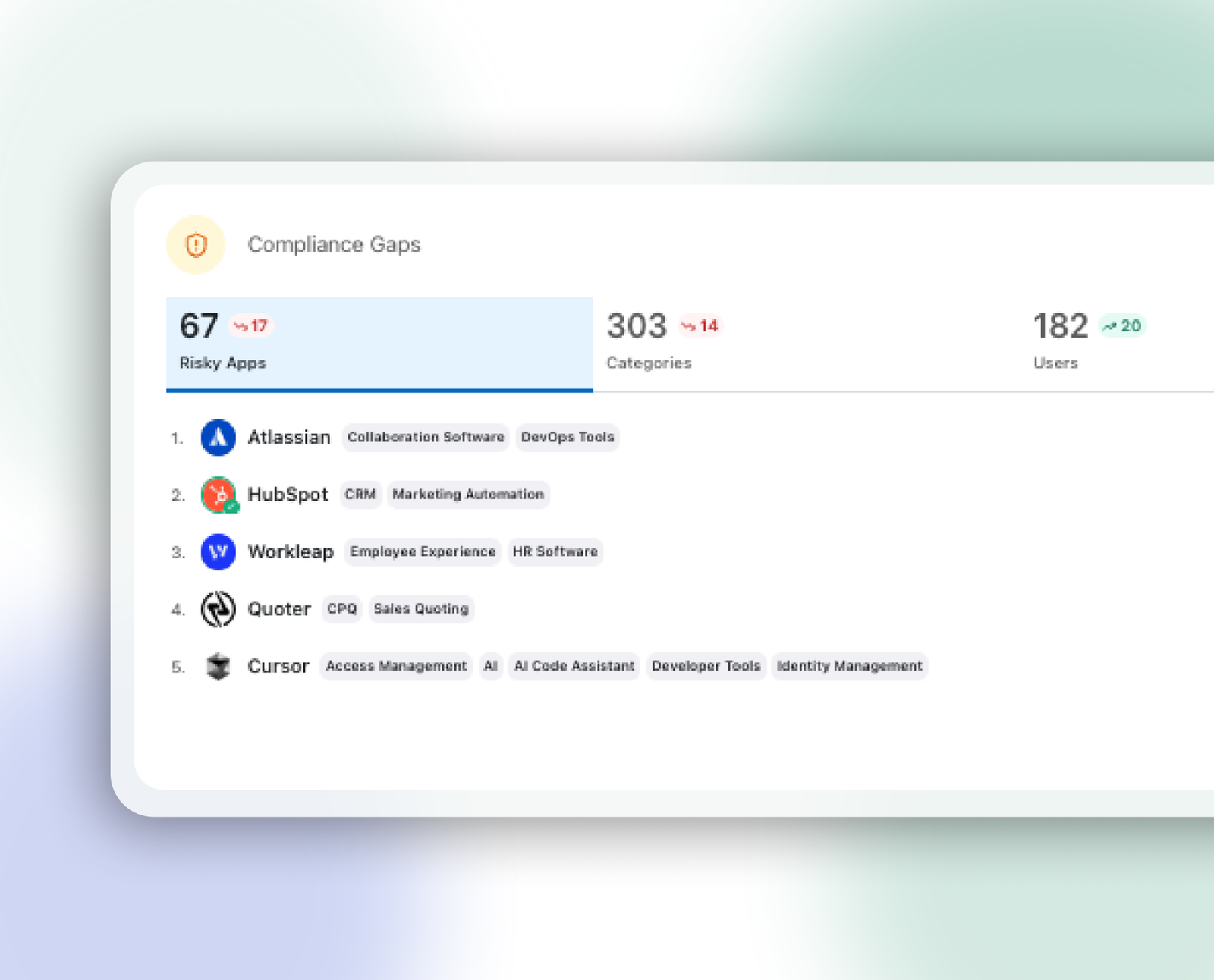
Compliance Gaps: know which apps fall short before your client asks
Compliance Gaps looks at the certification information behind the applications your clients use, covering SOC 2, SOC 1, HIPAA, GDPR, and ISO 27001. When an application cannot confirm it meets a framework your client requires, it is flagged as a gap.
Why is this important?
- Risk sits next to usage. A running count of risky applications appears on the App Usage dashboard, and the usage chart shows how that count moves across the period so you can see whether a client's exposure is growing or shrinking after your recommendations.
- Evidence you can stand behind. Each application shows which frameworks it can confirm, which look unclear, and which it cannot confirm at all.
- Filters that get you to the problem. Narrow the list to applications with a gap or to a specific missing framework. If a client is HIPAA-bound, you can find every application without HIPAA coverage in a few clicks instead of researching vendors one by one.
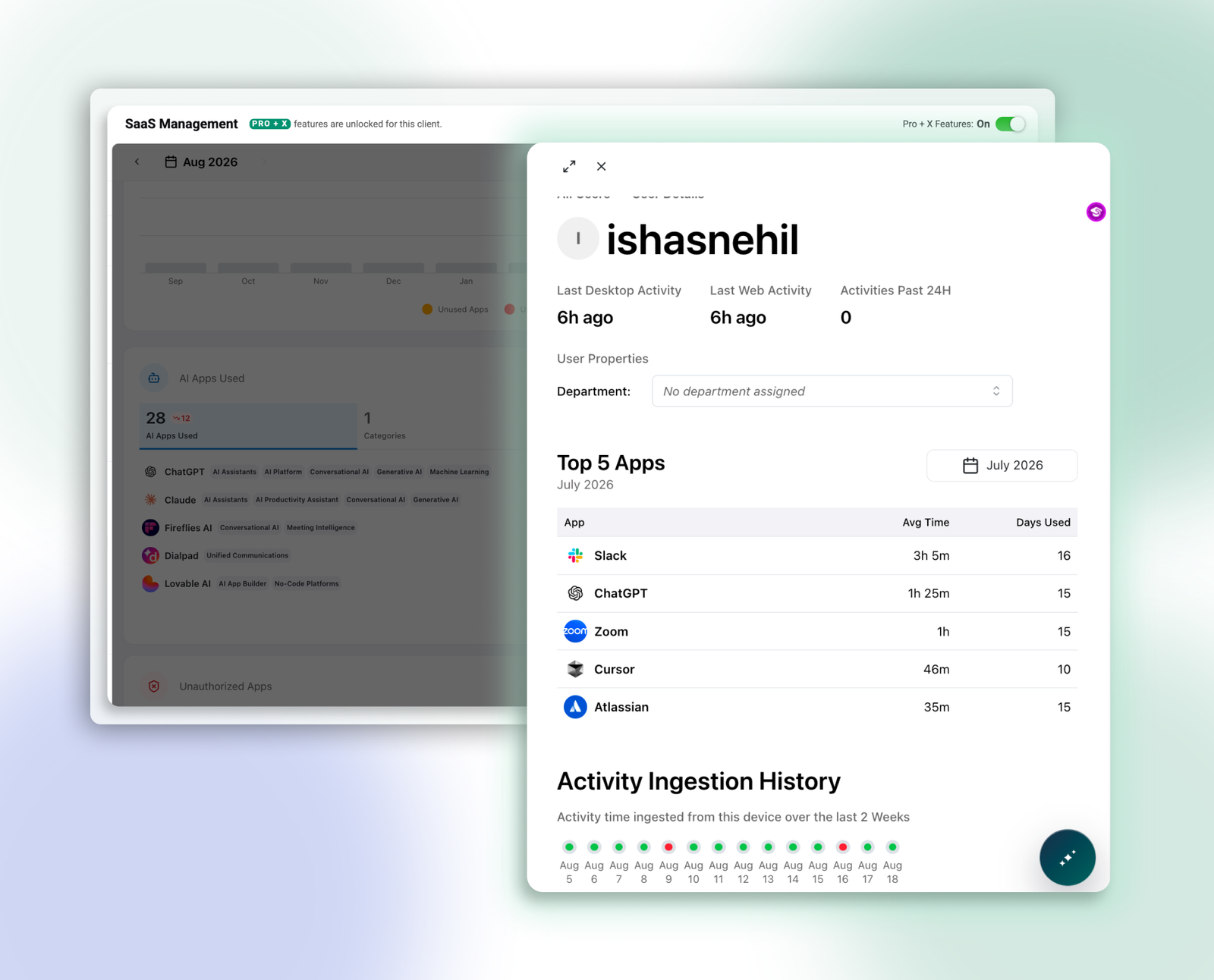
Top 5 Apps per User: see what each user actually depends on
Get visibility into which applications each user relies on the most, ranked by how much time they spend in each on the days they use it, plus how many days in the period they used it at all. Review that by month, quarter, or year to match how you look at the account.
Why is this important?
- Licensing and renewals. See whether the people paying for a seat actually use it, and where a license could be reassigned rather than renewed by default.
- Adoption and onboarding. Find the power users worth learning from and the teams a rollout never reached, and understand what a role really runs on so new starters get the right tools on day one.
- Policy conversations that stay constructive. When an unapproved or non-compliant app comes up, you can see who relies on it and how heavily, making it a discussion about alternatives rather than a ban.
Connect insights with usage
Compliance gaps tells you which applications carry risk. Top 5 Apps per User tells you how deeply the business depends on them. Together, these insights help connect compliance risk with real-world usage so you can prioritize conversations, evaluate alternatives, and make more informed SaaS decisions.
Available now
For all LM Pro and LMX users, open any client's SaaS Management area to see compliance gaps across their applications, and select a user from Usage Trends to see their top five apps.
Want to see these new capabilities in action? Log into the platform or Book a Demo today.