

Your day-to-day client work is getting easier to navigate. We’ve brought risks, people, assets, and vendors within reach at the client level, with a dedicated workspace for framework-specific work. We’ve also rebuilt the Trust Center to give you more control over how you present and share your client’s security information.
The new experience is available now. Existing Partners can opt in when their team is ready. Here’s what’s changing.
Work at the client level first
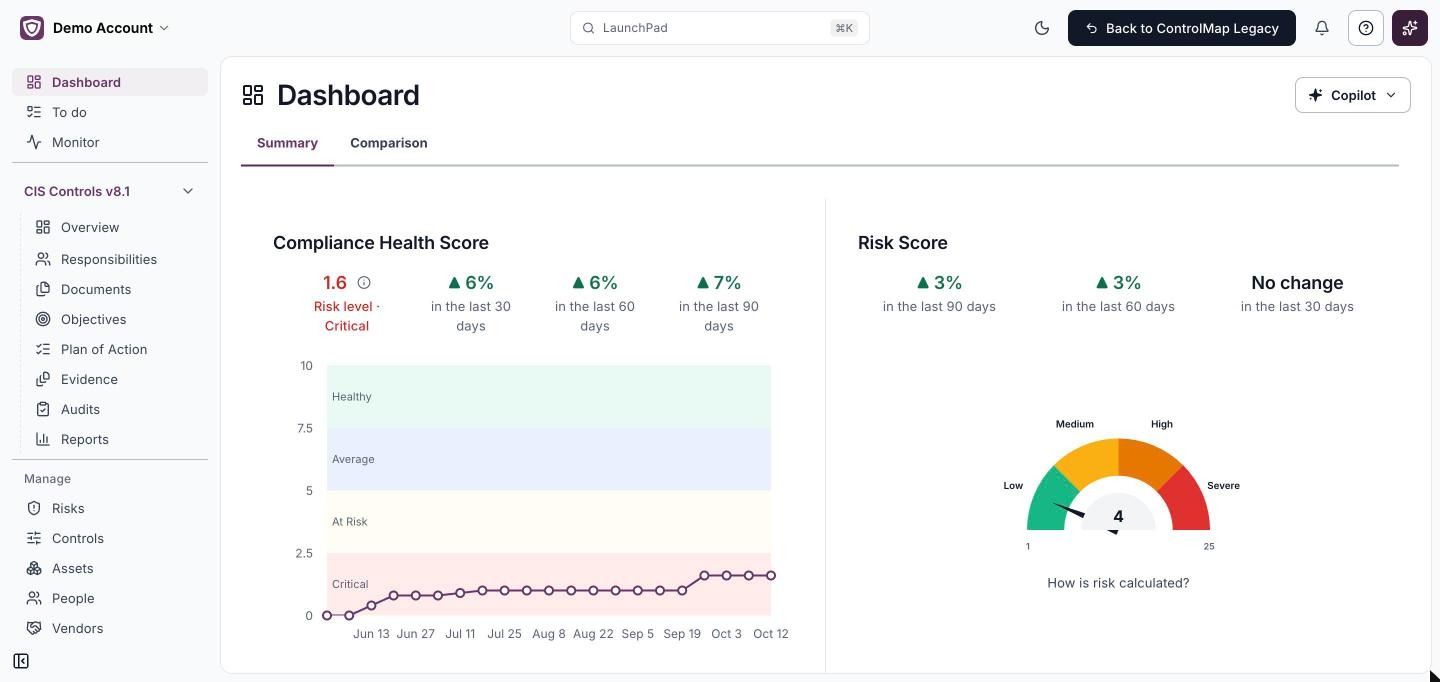
Your client’s risks, people, assets, and vendors matter across their compliance program. The new navigation puts that work within reach without making a framework your starting point.
Review client health in one place
Asset Inventory and People now bring data from connected integrations into consolidated views, so you can review client information without moving between integration-specific tabs.
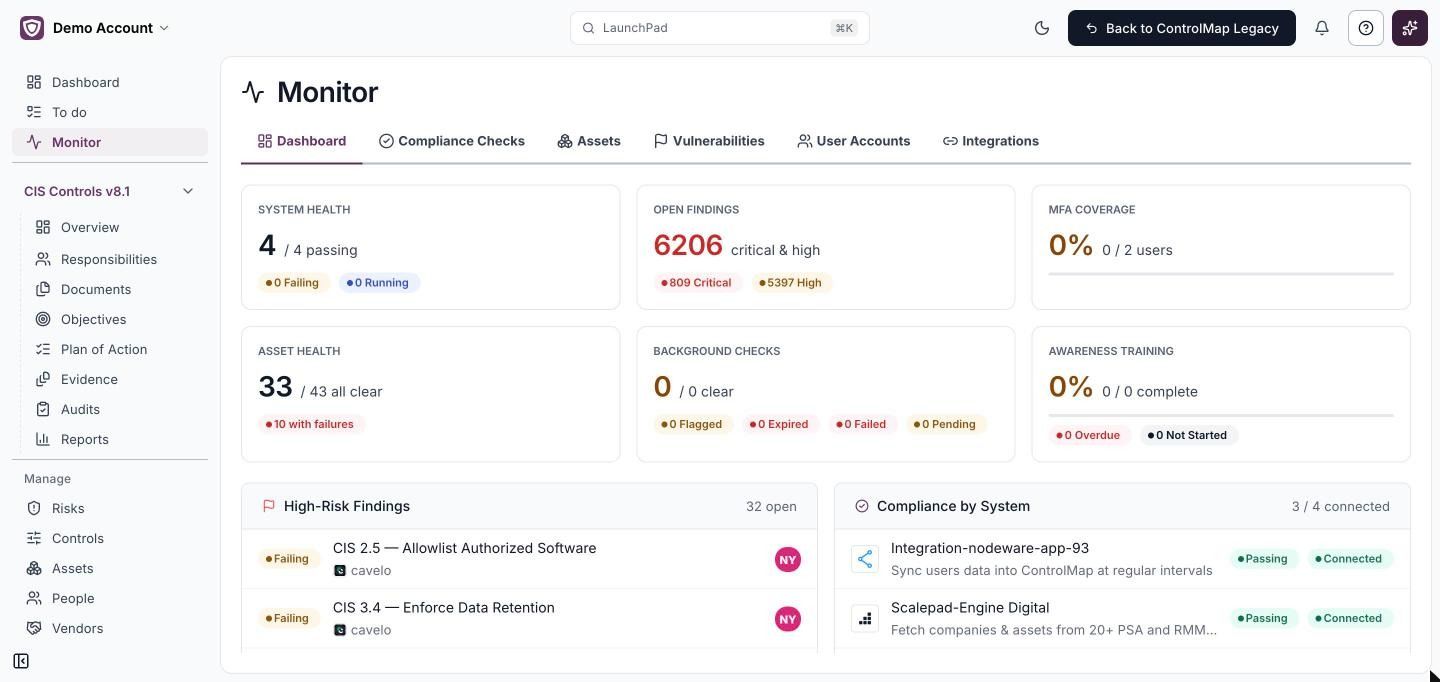
The People page brings together multifactor authentication (MFA), background check, and awareness training status. In Monitor, review system health, open findings, MFA coverage, asset health, background checks, and awareness training together to see where follow-up may be needed.
Spend less time connecting, searching, and cleaning up
Several changes address the smaller tasks that repeat throughout your day:
- Choose what comes in before the first sync: Set inclusion and exclusion rules during integration setup, including asset exclusions by name, so you can keep irrelevant records out from the start.
- Connect Microsoft in one place: Choose Azure Active Directory, Intune, and Office 365 within one integration.
- Find the right client: Search for a client from the menu at the top left instead of scrolling through environments.
A first look at the rebuilt Trust Center
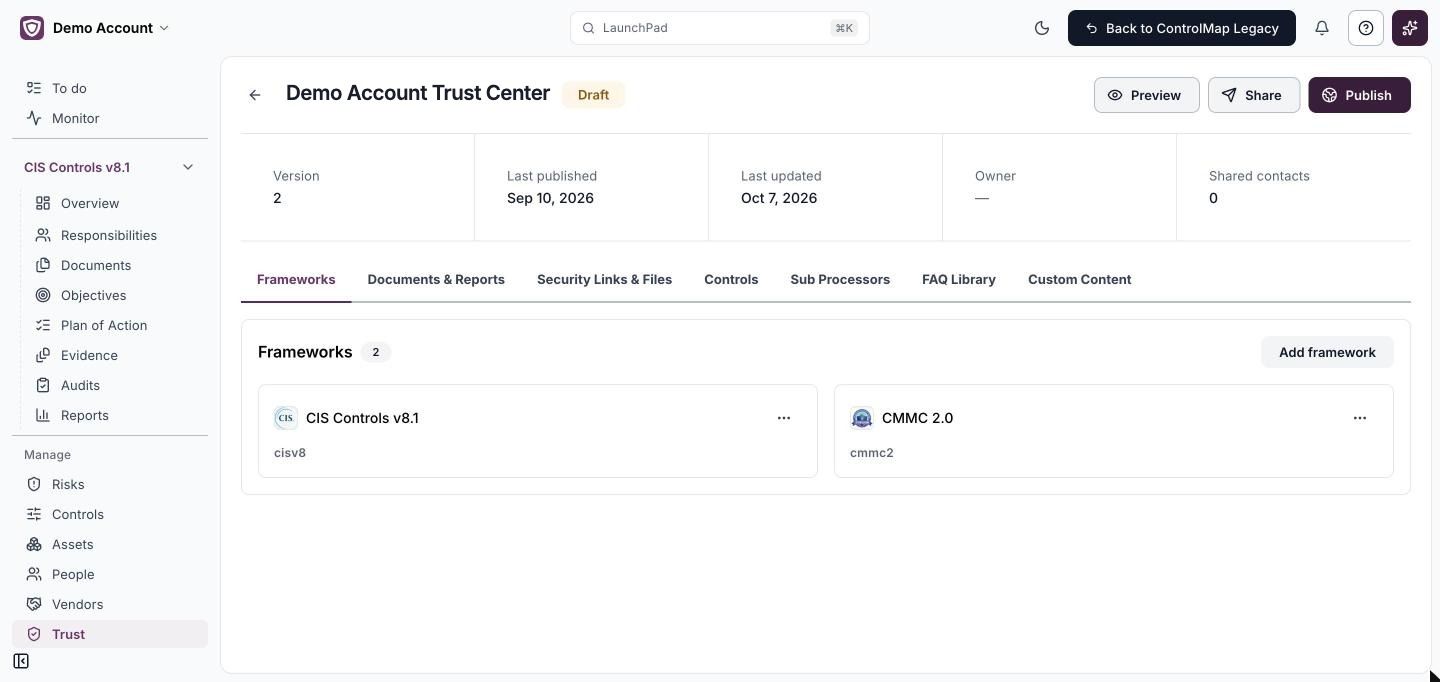
When a buyer or auditor asks about your client’s security, give them a client-branded place to review the information you choose to share. The rebuilt Trust Center adds branding, sharing behind a nondisclosure agreement (NDA), and access controls, and is available in the new experience on ControlMap Pro. We’ll share a closer look soon.
Switch when your team is ready
To switch, select Try New Experience at the top of ControlMap, and a short tour shows you around. You can return anytime during the transition with Back to Legacy.
New Partners start in the new experience automatically. For everyone, it opens when you select a client, and the MSP Portal stays as it is.