


Your client's control says "implement least privilege." Your tech asks what that means for a 40-person accounting firm on Microsoft 365. You know the answer, but it lives in your head, three policies, and a framework PDF.
That gap is where compliance delivery slows down. Every Partner running compliance as a service for multiple clients answers the same shape of question dozens of times a week: what does this requirement actually ask for, what evidence would satisfy it, how should the implementation notes read for this client. The answers are specific to the client and the control in front of you, and a general-purpose AI tool only knows that context if you paste it in.
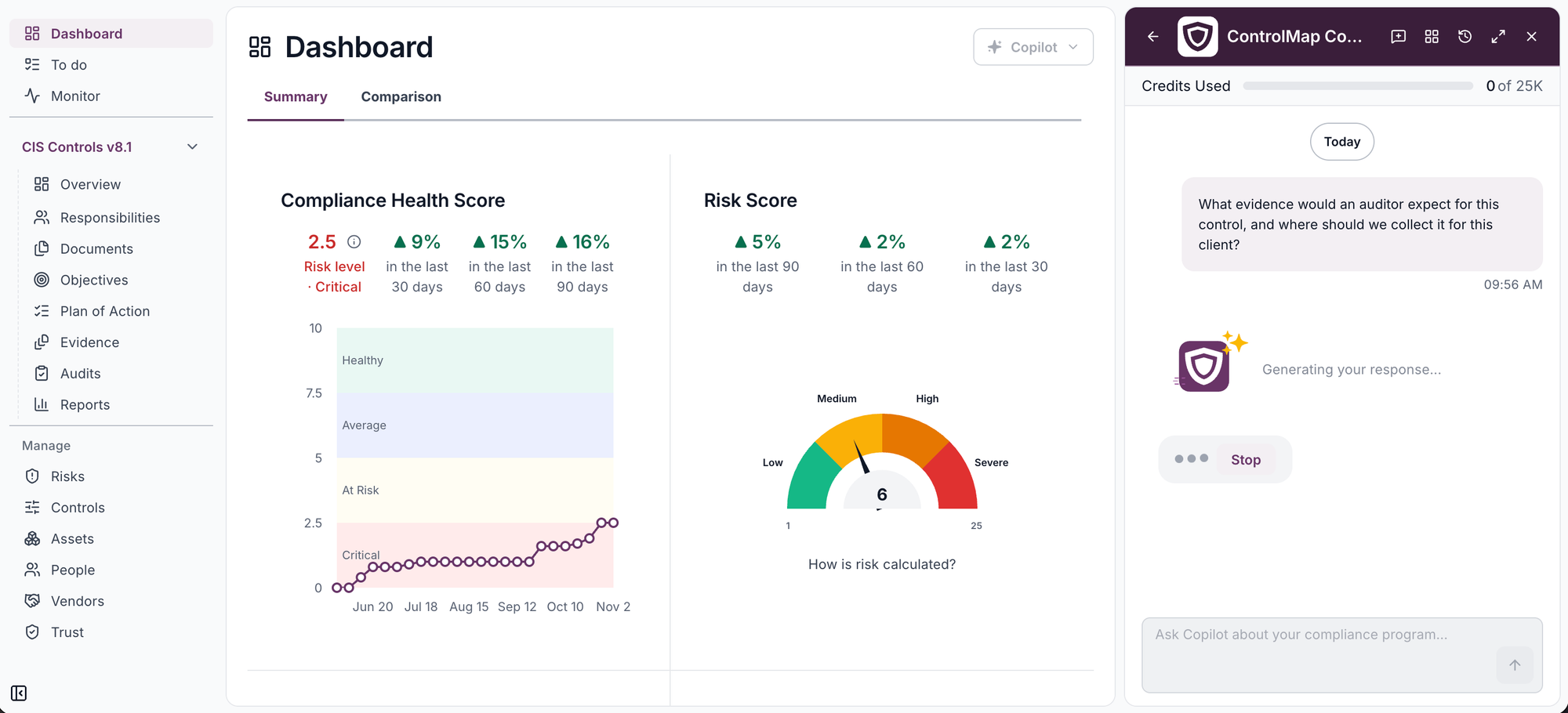
Copilot Chat closes that gap. You can now ask ControlMap Copilot your own questions, in plain language, from the page you are working on.
Copilot already knows what you are looking at
Copilot's suggested actions give you a fast start on every page. Chat adds the freedom to ask your own questions as well. ControlMap Copilot understands the control, requirement, policy, risk or assessment question in front of you, so the answer is about that control, for that client, not a generic explanation. Follow up, refine, and keep going. Conversations pick up where they left off after a refresh.
| Suggested actions | Copilot Chat | |
|---|---|---|
| Questions | One-click actions for common tasks on each page | Ask anything, in plain language |
| Follow-ups | Run the next action you need | Keep the conversation going |
| Drafts | Drafts from built-in actions | Ask for the draft you need, then accept or regenerate |
New to Copilot? Start with ControlMap Copilot Is Now Available.
From a question to a first draft, in one place
Chat is not only for questions. Ask Copilot for a first draft, like implementation notes for a safeguard, and it appears in the conversation for you to read and edit. Copilot works only from the client tenant you are in, which matters for Partners who are careful about where client data goes.
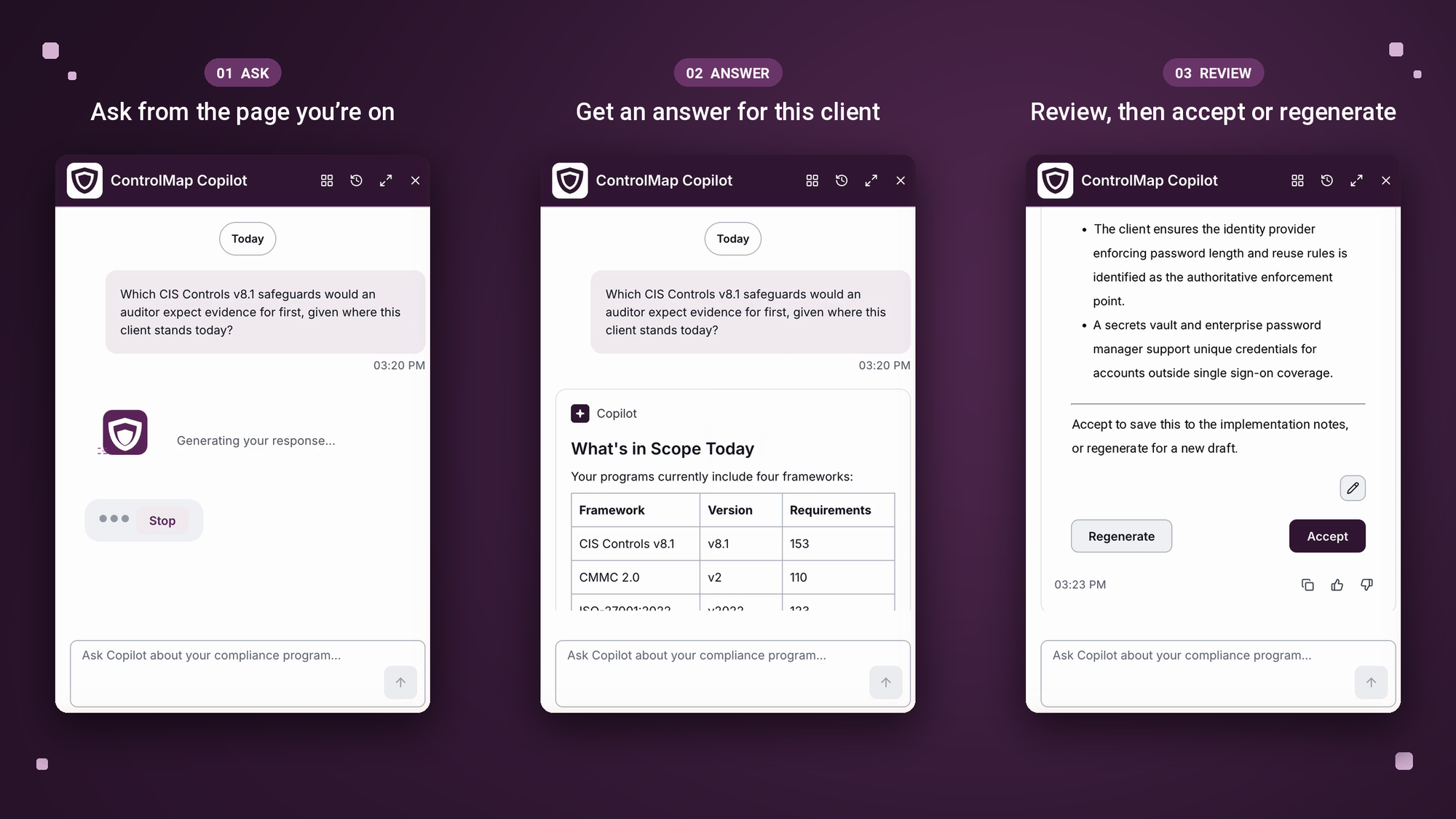
You stay in control
That is the version of AI in compliance that holds up when an assessor asks how a document was produced. The MSP stays in the advisory seat. Copilot is built for your team. Your clients' users don't see it, so the expertise behind the answers, and the service, stays with you.
Part of the new ControlMap experience
Copilot Chat ships inside the redesigned ControlMap interface, so the chat box sits alongside the work rather than in a separate tab. If you already use ControlMap Copilot's suggested actions, Chat sits right alongside them for the questions you want to ask in your own words.
See what else changed in Meet the new ControlMap experience.